
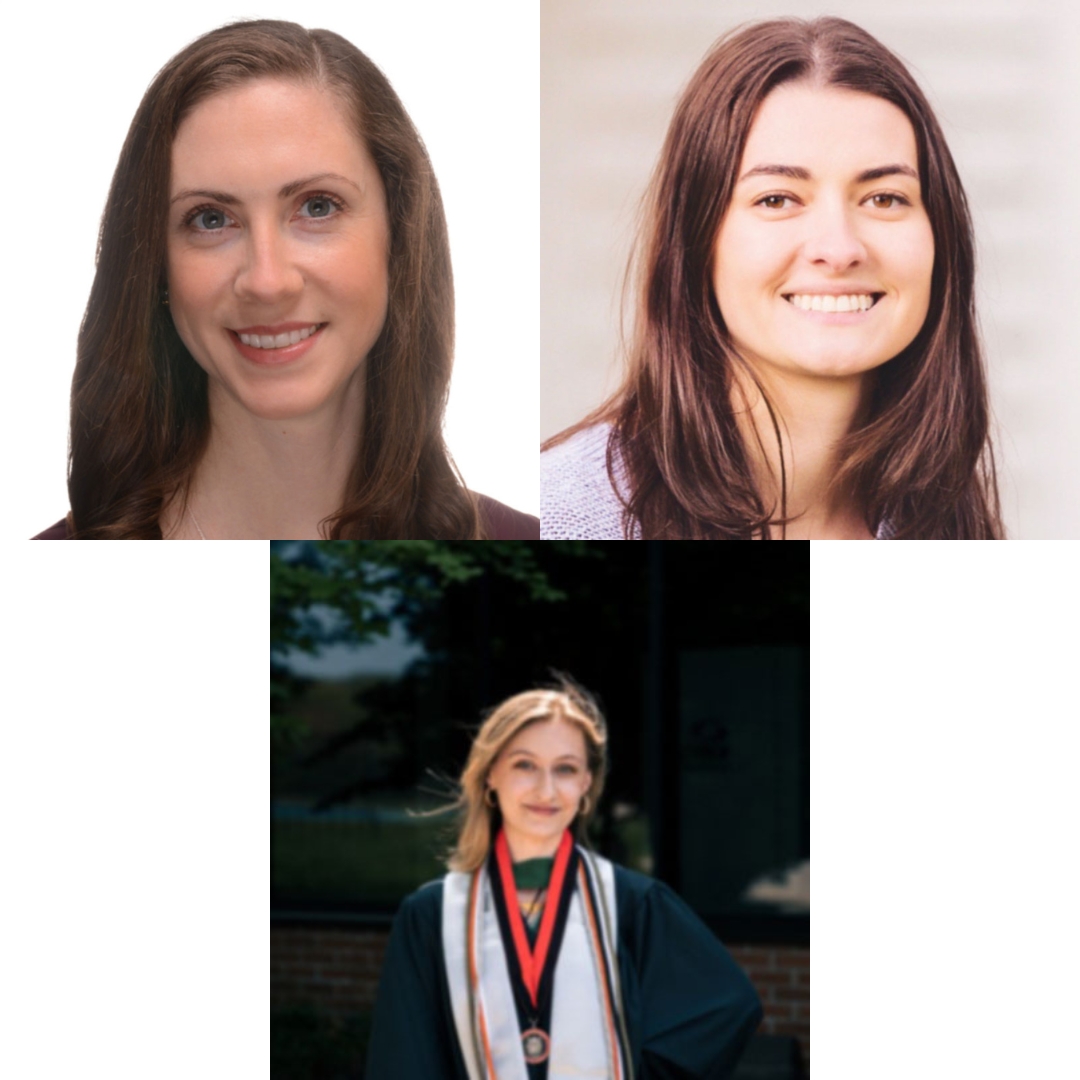
Presenter(s)
Event Details
Topic:
augmentative and alternative communication (AAC)
Format:
lecture
Subject Level:
intermediate
Age Span:
kindergarten - grade 6
grades 7-12
adult
Target Audience:
AT specialist
family member / caregiver
occupational therapist
physical therapist
speech language pathologist
Professional Development Credits
IACET CEUs:
0.01
ACVREP CEs:
1
Presentation Length: 1 hour
Date and Time (Central Daylight Time):
- October 22, 2026
- 3:00 PM - 4:00 PM
Location:
Atrium 3
Description:
It is critical to provide individuals with physical disabilities with a means of computer access because using a computer or tablet is crucial for education, work, leisure, and activities of daily living (ADLs). This presentation will focus on supporting individuals with mobility differences in accessing computers and tablets. Through reviewing specific assistive technology (AT) tools and case studies, participants will explore a variety of computer access methods such as wheelchair-integrated joysticks, custom joystick setups, head tracking technology, and eye gaze systems. This session will cover important access considerations, including positioning, device compatibility, and mounting solutions. Built-in Apple Accessibility features will be discussed, highlighting the utility of having access to low-cost options for trial purposes, such as head tracking. These built-in iOS settings will be compared to specialized alternative computer access hardware, software, and accessories. Participants will consider potential barriers to successful computer and tablet use, such as fatigue, positioning, and difficulty with precision. Overall, attendees will expand their knowledge on how to trial and recommend computer access tools for those who cannot use touch or a traditional keyboard and mouse, improving accessibility and inclusion for all.
Learning Outcomes:
As a result of this activity, participants will be able to:
• Identify three access methods beyond touch and a traditional keyboard and mouse, to support individuals with physical disabilities to access a computer and/or tablet.
• Explain how to match a person’s physical access needs with appropriate computer access solutions.
• Review case examples of specific computer access setups and discuss troubleshooting considerations.
Disclosures:
Financial Disclosure: The presenters are salaried employees of the New England Assistive Technology (NEAT) Center at Oak Hill, a non-profit in Hartford, Connecticut.
Non-Financial Disclosure: None.
Financial Disclosure: The presenters are salaried employees of Oak Hill, New England Assistive Technology (NEAT), a non-profit in Hartford, Connecticut.
Non-Financial Disclosure: None.
Financial Disclosure: The presenters are salaried employees of the New England Assistive Technology (NEAT) Center at Oak Hill, a non-profit in Hartford, Connecticut.
Non-Financial Disclosure: None.
Leave A Comment
You must be logged in to post a comment.