
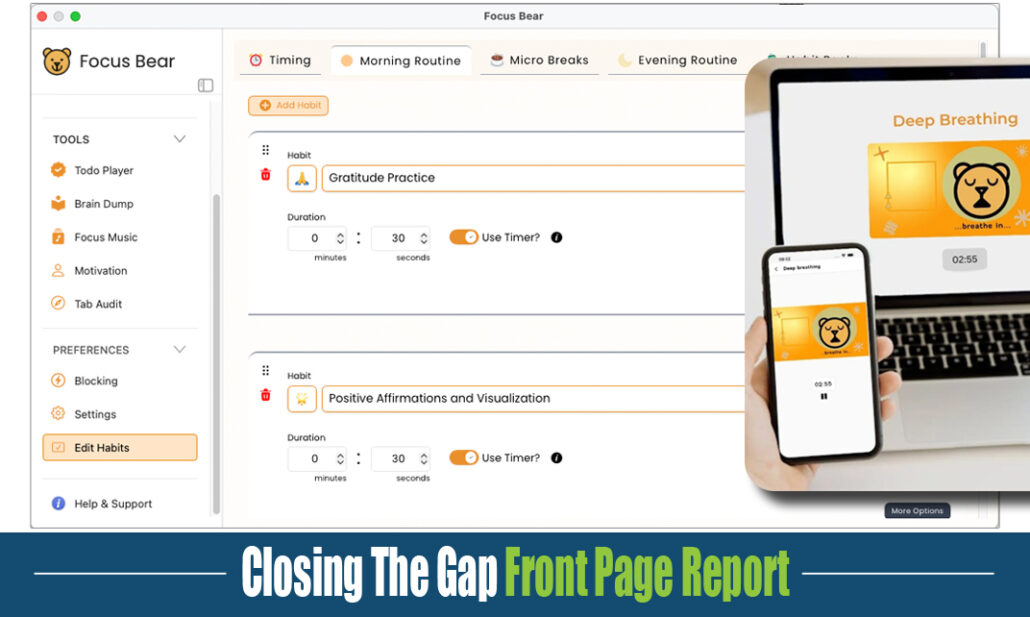

A digital self-control tool and visual schedule app for neurodivergent students and working adults, developed by a team with lived experience of autism and ADHD. It blocks the apps and sites that derail them, and lays the whole day out where they can see it.
Validated in a randomized controlled trial with 446 university students. The Focus Bear app and our meta-cognitive training program led to:
- Reduced smartphone addiction
- Lower stress levels
- Improved academic self-efficacy
What it does
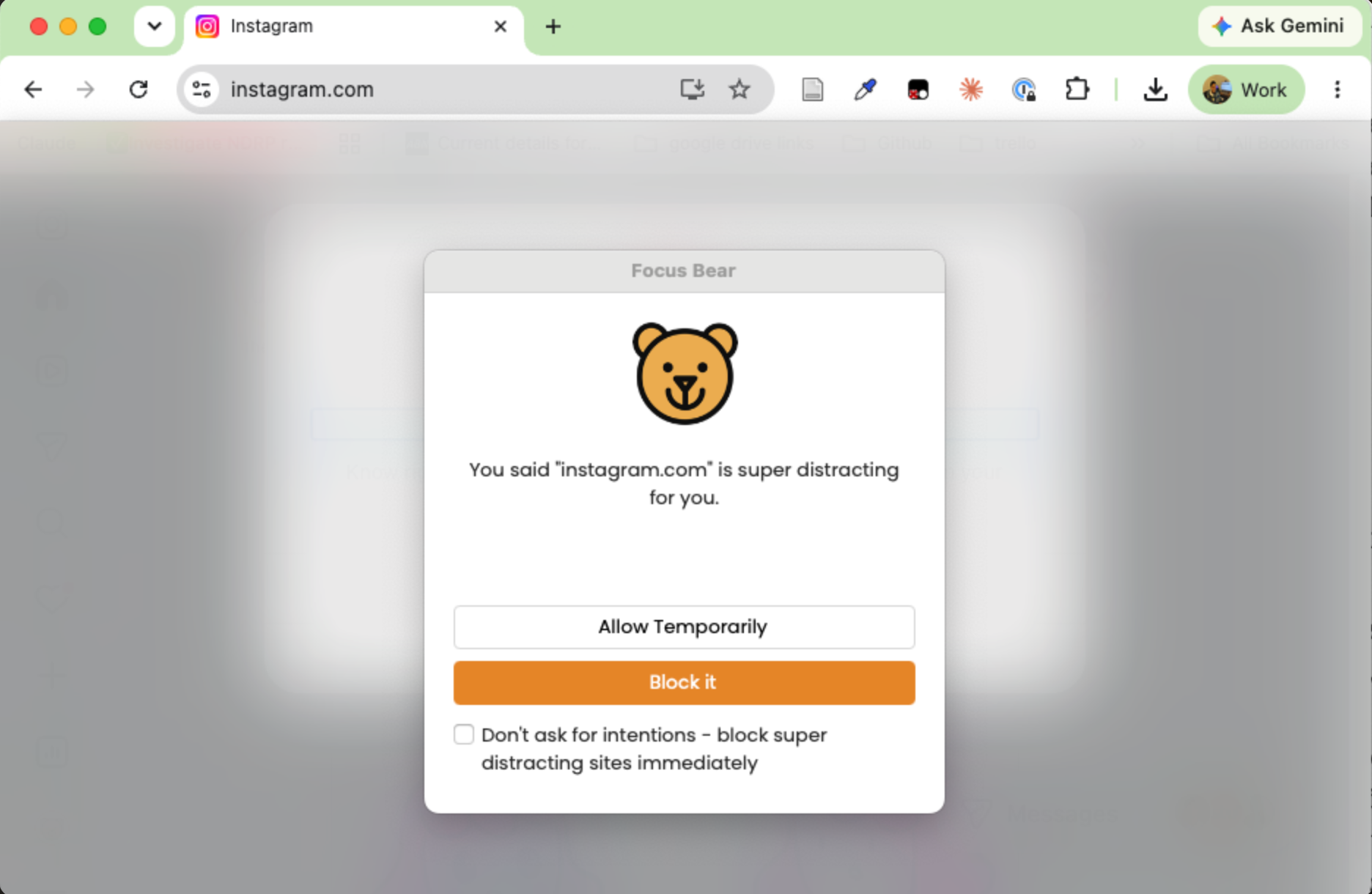
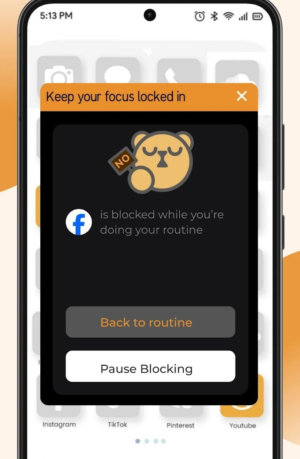
Block distractions across phones and computers. Social media, YouTube, games, whatever pulls focus, locked during class or homework so the work actually gets done.
Visual schedule. The whole day laid out, so the student can see what is happening now and what comes next.
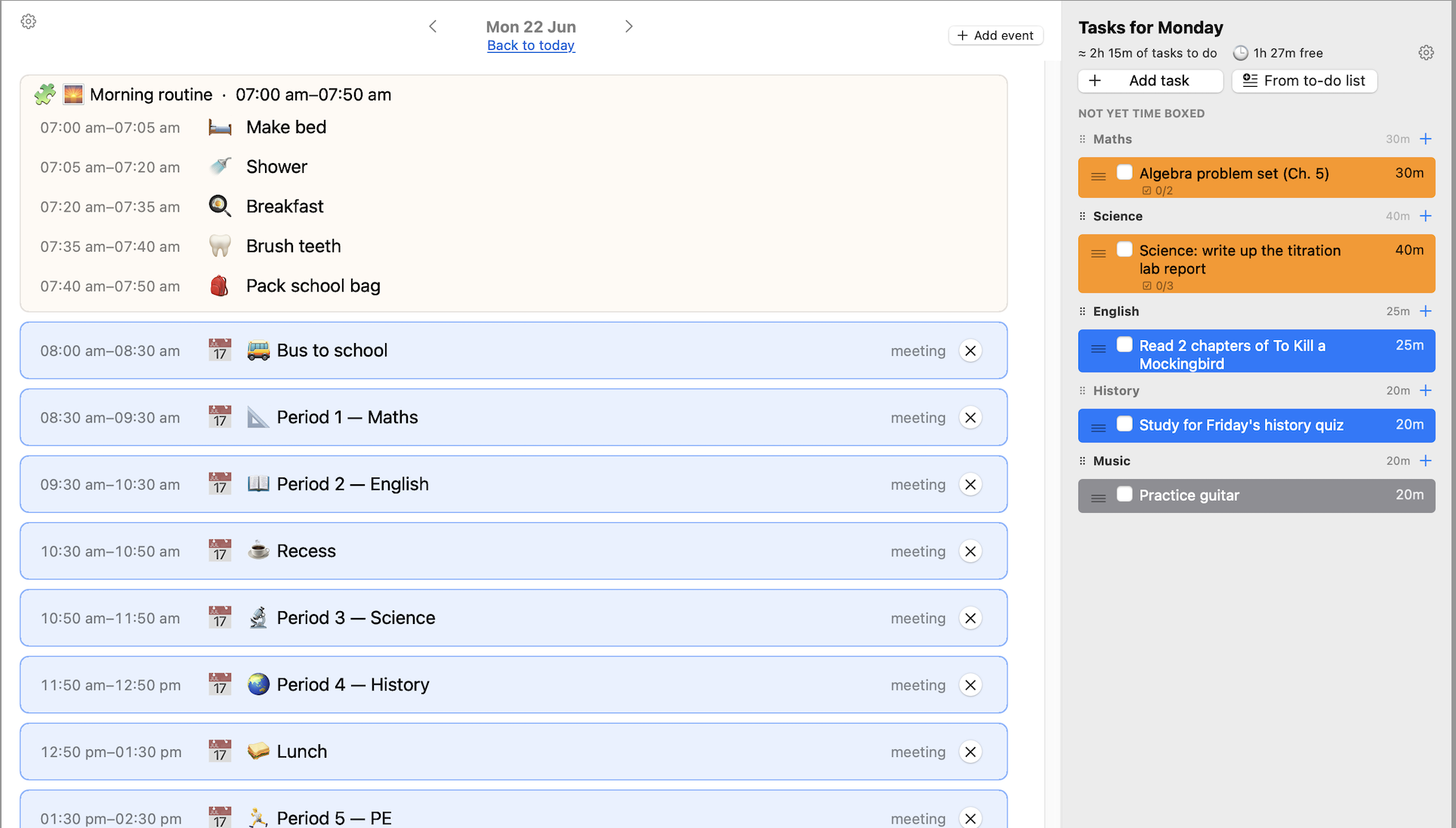
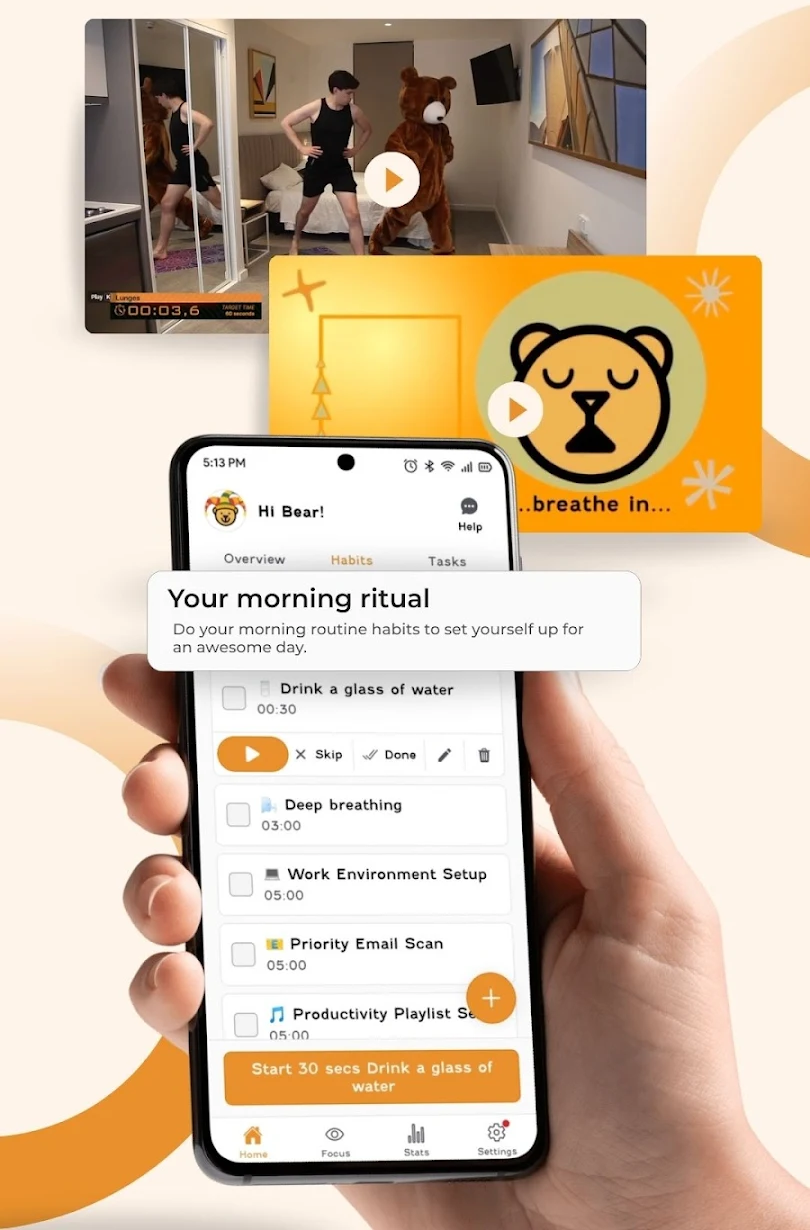
Daily routines. A before-school routine, a bedtime routine, or any routine the student needs, giving days the structure and consistency that make them manageable.
AT SCHOOL
No more games on laptops at school
Laptops in class are a distraction magnet: a game or a social feed is always one tab away from the work. Schools can roll out Focus Bear so that teachers set the rules on which websites and apps students can use in their class.
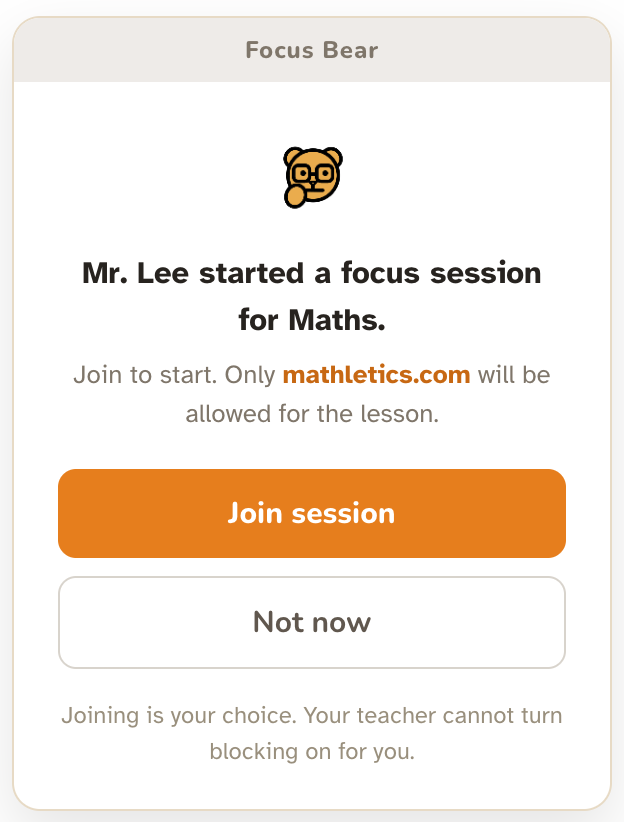
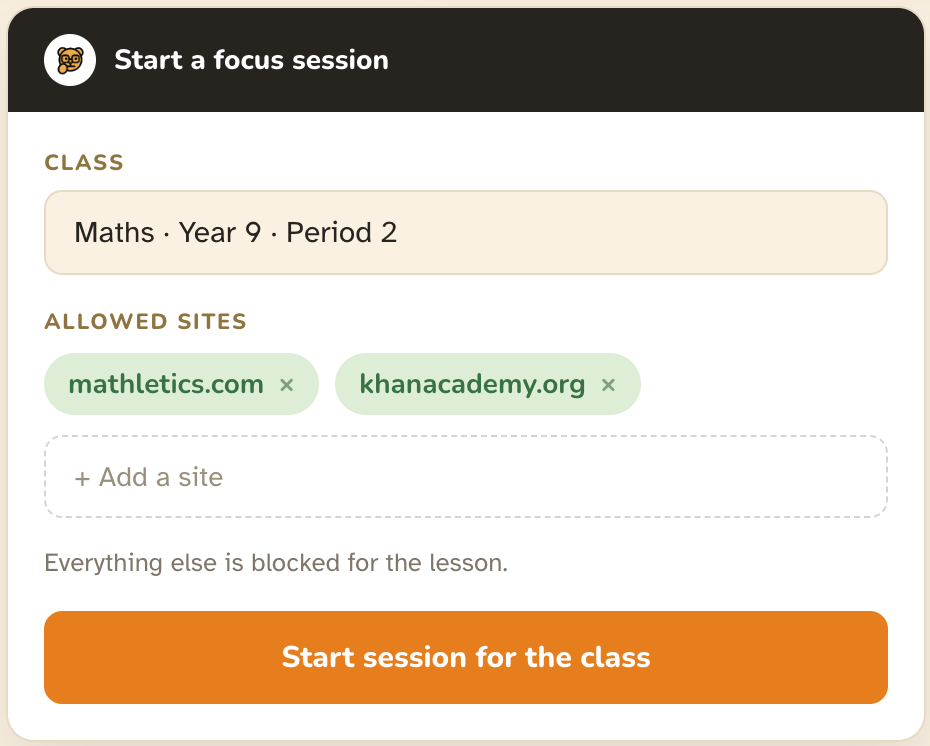
Students opt in, the teacher does not force it. The teacher starts a focus session for the lesson with an allowlist (for a math class, maybe just mathletics.com). Each student chooses to join. The teacher cannot switch blocking on for them.
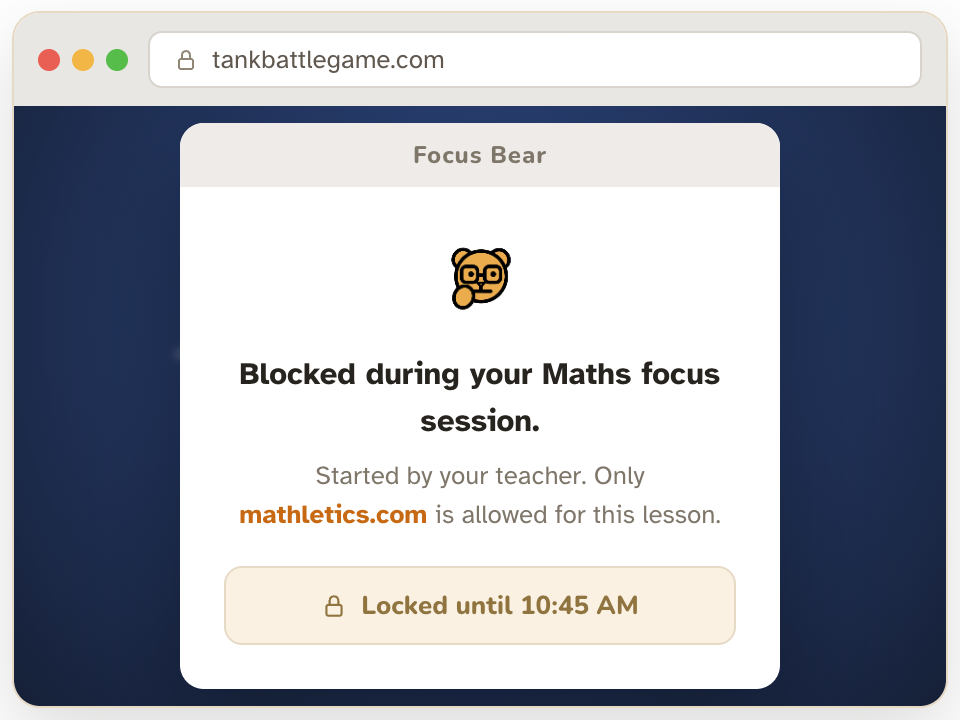
Once joined, distractions are locked. Everything outside the allowlist is blocked for that lesson, so the class stays on task.
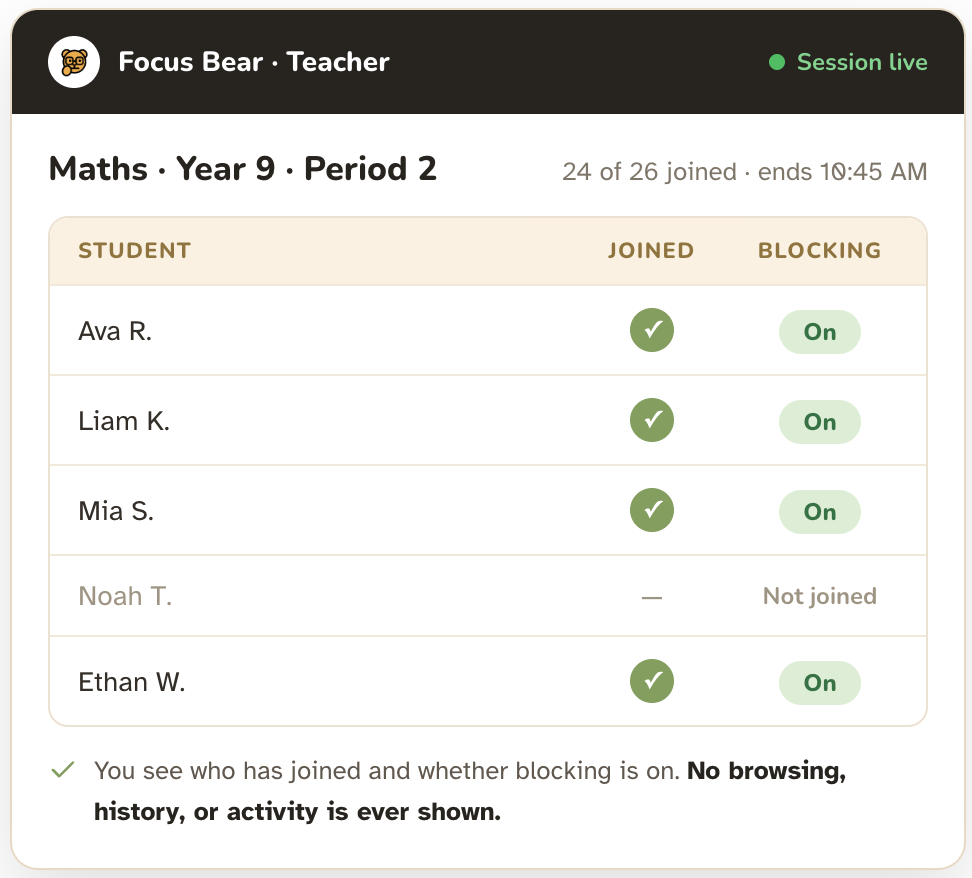
Private by design. The teacher sees who has joined and whether their blocking is on, and nothing else. Not their browsing, not their history, not what they are doing. On-task support, not surveillance.
AT HOME
Homework that does not become a battle
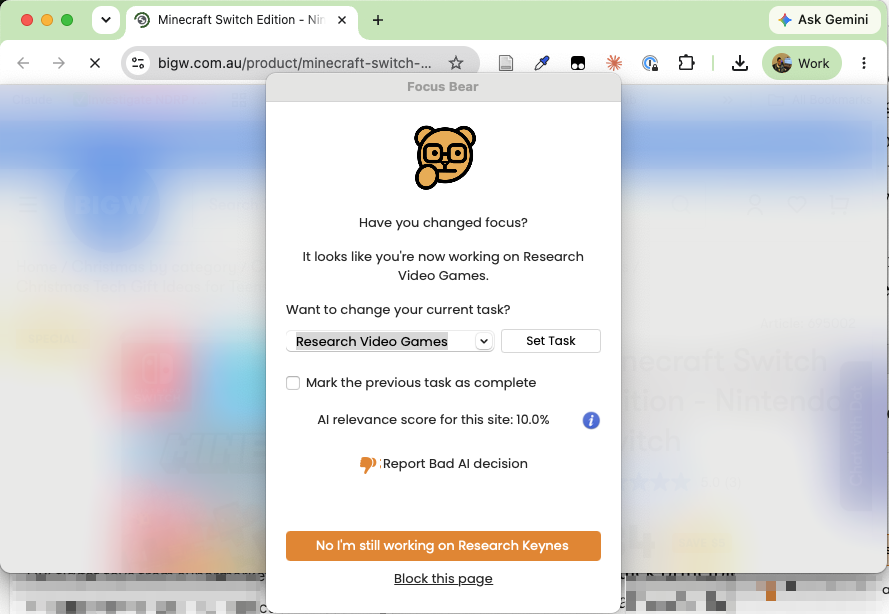
Block distractions during homework. Games and social media are locked while homework gets done, so it does not turn into a three-hour battle.
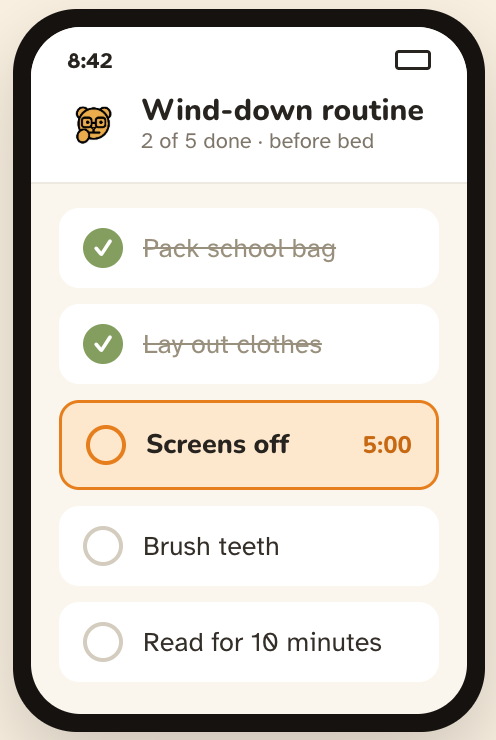
Routines that hold the day together. A before-school routine and a wind-down routine before bed, laid out as a checklist the child can follow.
WHO IS IN CHARGE?
Control that grows with the student
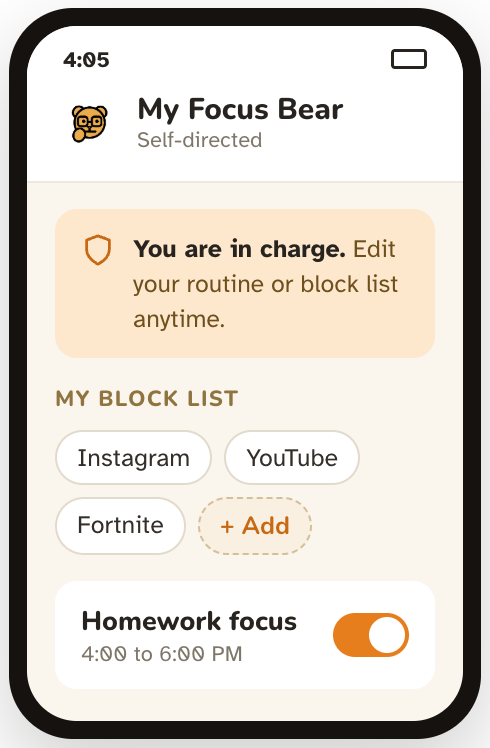
Self-directed for teens (around 14 and up). They set their own routine and choose what to block. It becomes their own tool, not something done to them.
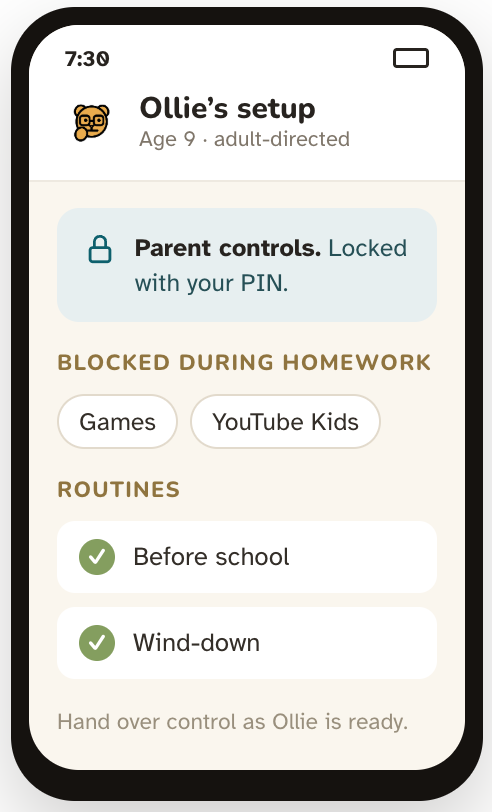
Adult-directed for younger children. A parent or teacher sets it up and stays in charge, handing over control as the child is ready.
NEW IN 2026 THE FOCUS BUTTON
A physical dial for one-press focus
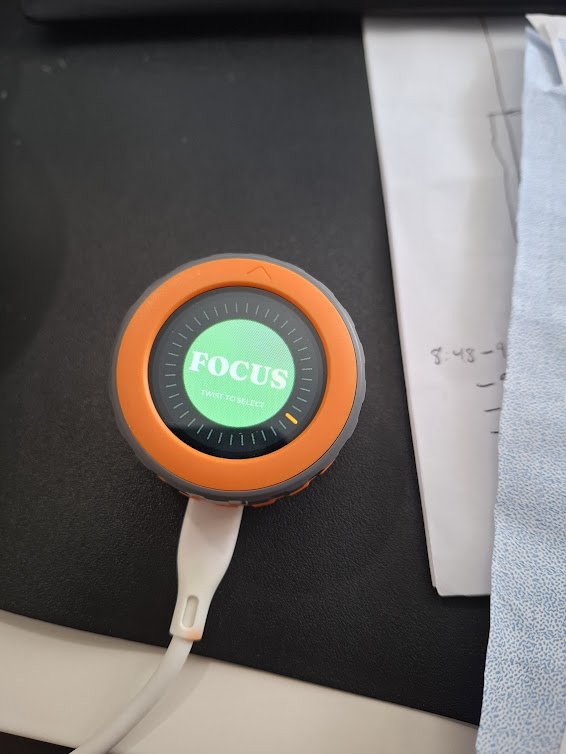
A physical button that mutes the phone and blocks the sites that eat into the day. Twist the dial to set the time, press to start. One session runs across the computer (Mac and Windows) and the phone at once: distracting sites and apps are blocked, the phone goes on Do Not Disturb, and a countdown timer shows on the button’s own screen. Available in beta at button.focusbear.io.







Leave A Comment
You must be logged in to post a comment.