
Accessible Tools for Learning, Teaching, and Independence
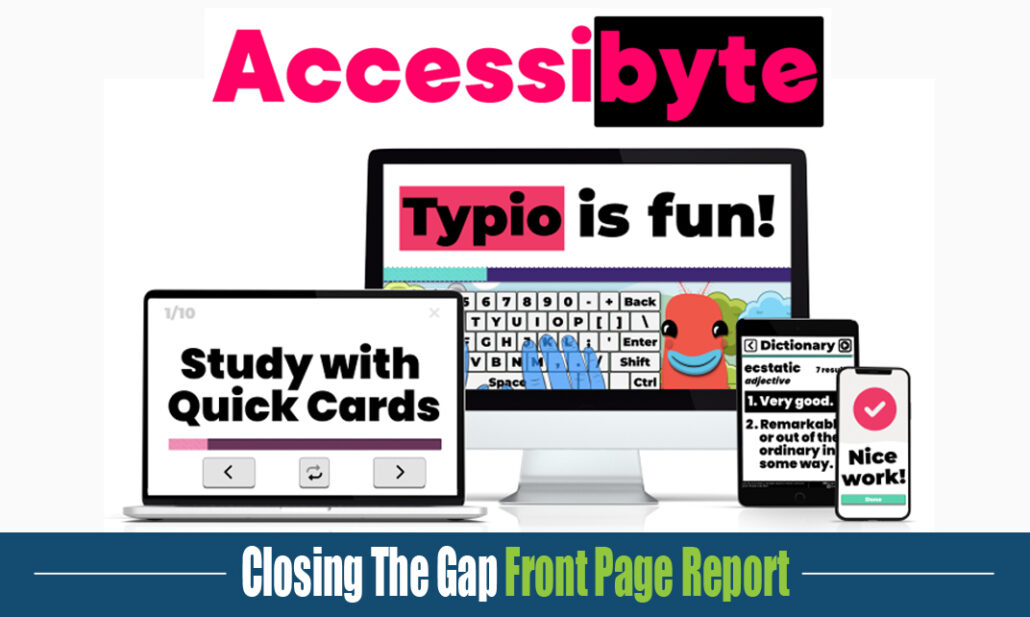
Designed for classrooms, libraries, agencies, families, and individual users, Accessibyte combines browser-based learning tools, teacher dashboard and reporting features, and a Windows desktop environment for everyday independence.
One Platform, Three Connected Parts
- Accessibyte Learning
Browser-based apps for typing, braille, study tools, accessible games, and structured skill practice. - Accessibyte Studio
A Windows app for documents, email, web browsing, scanning, files, media, and daily computer tasks. - Accessibyte Insights
Teacher dashboard and reporting tools for student setup, assignments, settings, and progress review.
Build Skills with Accessibyte Learning
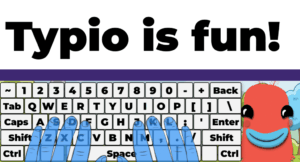
Guided typing lessons
Typio
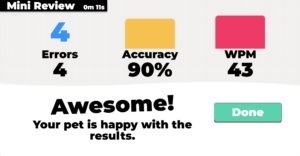
Typio is an accessible typing tutor for younger learners, combining guided lessons, clear feedback, rewards, games, and Typing Pets.
Best for:
- Keyboarding instruction
- Early typing confidence
- Accessible practice routines
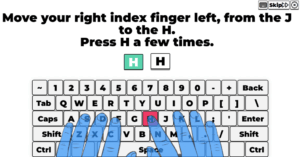
Fully-guided typing lessons
Typio Pro
Typio Pro supports teens, adults, transition students, and vocational programs with practical typing instruction and progress tracking.
Best for:
- Older learners
- Workplace-style typing practice
- Typing progress and certification
Braille typing lessons
Braillio
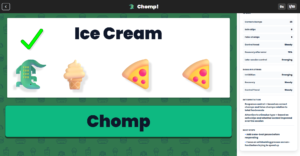
Braillio teaches braille typing with a standard keyboard, supporting uncontracted and contracted UEB without requiring special braille hardware.
Best for:
- Braille typing instruction
- Standard keyboard braille input
- Voiced braille practice
Skill-building games
Accessibyte Logic
Accessibyte Logic uses accessible games to support problem-solving, choices, timing, memory, reflection, early coding concepts, and skill growth.
Best for:
- Accessible gameplay
- Pre-coding and problem solving
- Reflection and assessment
Quick Cards
Quick Cards and ProPack
Quick Cards and ProPack give learners accessible tools for flashcards, reading, reference, math, notes, and organization.
Best for:
- Study and review
- Accessible reference tools
- Everyday organization
Support Instruction with Insights and the Teacher Dashboard
Progress reporting
Manage, assign, and review progress
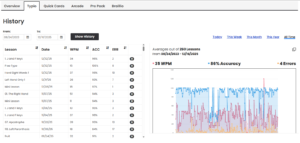
Accessibyte’s dashboard and Insights tools help educators create student accounts, personalize accessibility settings, assign activities, and review progress for instruction and documentation.
Best for:
- Student management
- Assignments and settings
- Progress reports
Apply Skills with Accessibyte Studio
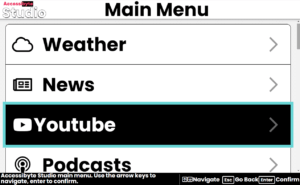
Everyday digital tools
A simplified Windows workspace
Accessibyte Studio helps users complete everyday digital tasks in one consistent, accessible environment for documents, email, web browsing, scanning, files, media, and planning tools.
Best for:
- Digital independence
- School, work, and daily tasks
- Users of all ages
Built for Real Settings
Accessibyte supports K–12 classrooms, TVI instruction, special education programs, resource rooms, computer labs, libraries, vocational rehabilitation, adult training agencies, families, and home users.
From Practice to Participation
Accessibyte helps learners move from foundational skill-building to real-world use: typing, braille, study tools, accessible games, documents, email, web browsing, file management, and everyday digital tasks.
Learn More
Explore Accessibyte Learning, Studio, and Insights to see how accessible tools can support instruction, practice, and independence.



Leave A Comment
You must be logged in to post a comment.